Profile Settings
3 min
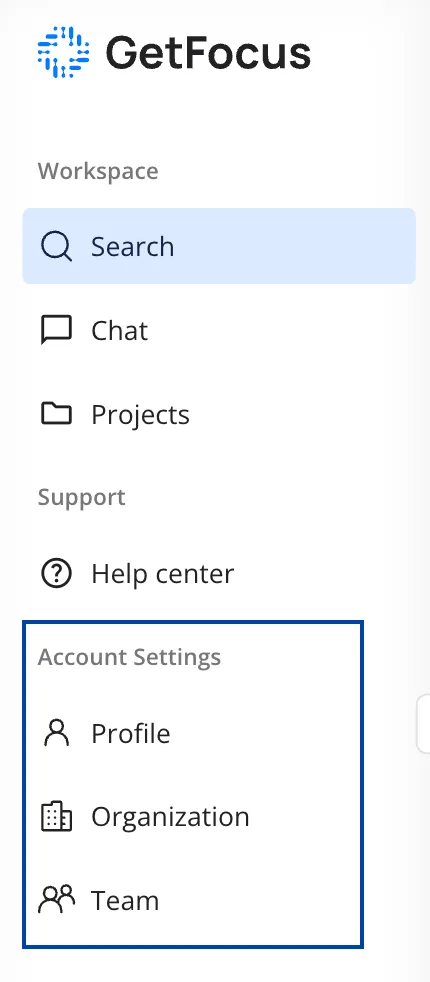
To settings related to your Profile, Organization, or Team are accessible from the menu bar on the left hand side.
Profile
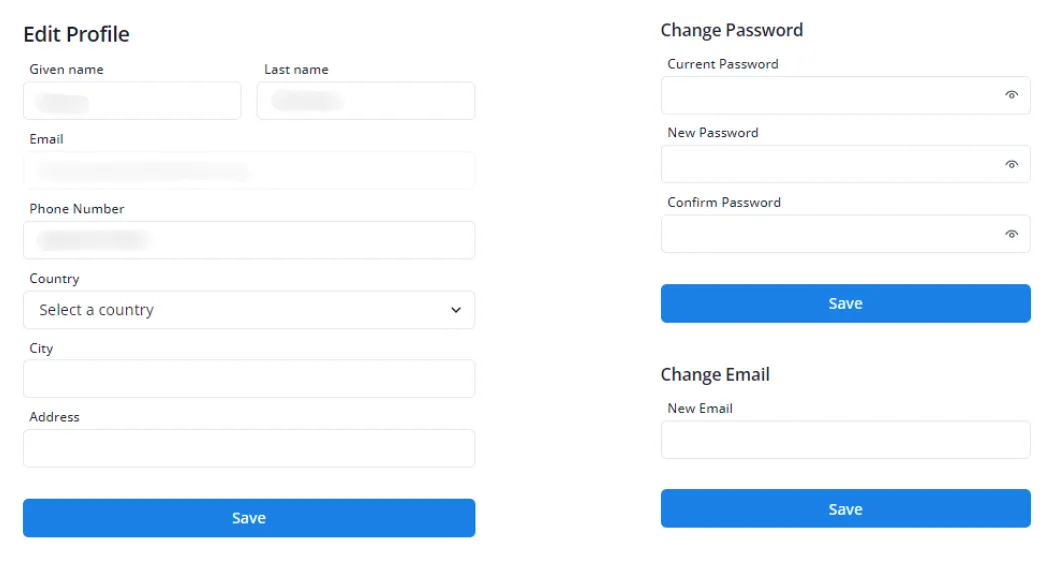
In your profile, you can update the following personal information:
- Name
- Last name
- Phone number
- Password
- Country
- City
- Address
Remember to click "Save" to keep the changes.
Organization
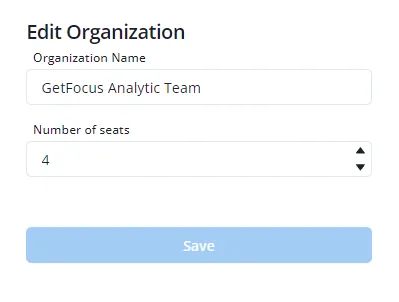
To change settings such as the organization name or the number of seats, you must have admin rights for your organization.
Team
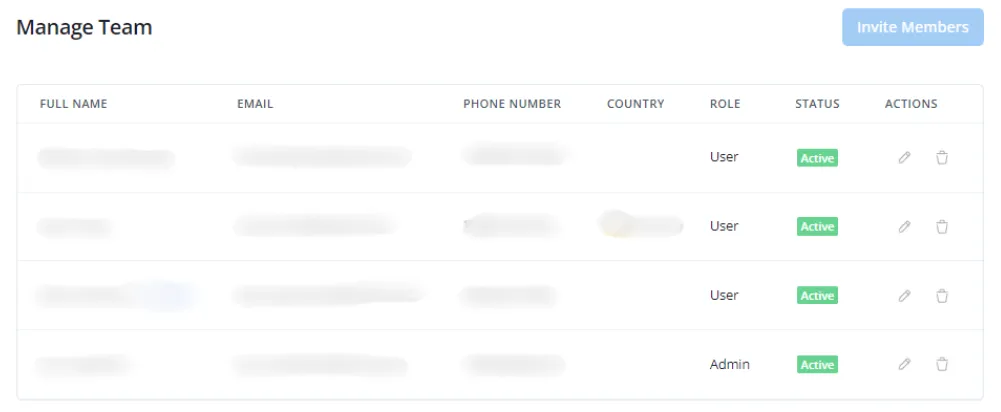
When you have admin rights and wish to add new members, go to the Team section and click on the "Invite Members" button to add a user. Here, you can also see who is on your team and what their account status is.